


GPT Chat doesn’t know what waiting is
I began this column by asking Chat GPT a question. I wanted to know


We support teachers throughout the project implementation process, providing training sessions and ongoing technical and pedagogical support. In this way, each teacher can take ownership of the proposals, adapt them to their own context and implement them in the classroom with confidence, regardless of their previous experience with educational technology.
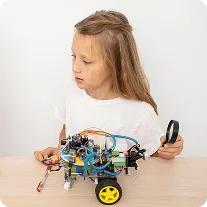
Each student can connect the robot to the computer and write their own programme. With a single click, the code is uploaded directly to the robot’s board, immediately activating its motors, sensors or lights as programmed. In this way, pupils can experience in real time how their instructions are transformed into the robot’s physical actions.
We are a project designed by teachers, for teachers. We have experience of working with robotics in the classroom and understand both its full potential and the potential obstacles to its implementation. That is why we have designed a support plan for each stage of the project’s implementation.
Schools that wish to integrate robotics and computational thinking into their curriculum in a sustainable and effective way.
Teachers looking for practical training and up-to-date resources to incorporate robotics and programming into their lessons.
Institutions wishing to innovate and transform technology education.

A detailed explanation of the educational proposal and its integration in the classroom.

A guide to planning the educational tour through the various educational levels.

Strategies for adapting robotics and programming to different school contexts.

Tools to measure pupils’ progress and achievements objectively.

Activities ready to be implemented, accompanied by teaching solutions and recommendations.
Exercises that don’t require any equipment, designed to develop key skills in a fun and accessible way.
Each book in the SmartTEAM series has its own teacher’s guide, which includes everything a teacher needs to create their own lesson plan.

Each platform enables learners to progress from block-based programming to the development of more complex projects and, depending on their level, to programming in advanced languages. Storytelling and continuity across books, platforms and kits ensure a motivating and coherent learning journey at every stage.
Digital access to the teacher’s and pupil’s books.
Assigning and marking assignments online.
Progress monitoring and automatic reports
Mobile version and single sign-on with a single username and password.
Integration with timetable and class management platforms.
Integrated video calls for online lessons and tutorials.
Lorem ipsum dolor sit amet, consectetur adipiscing elit.
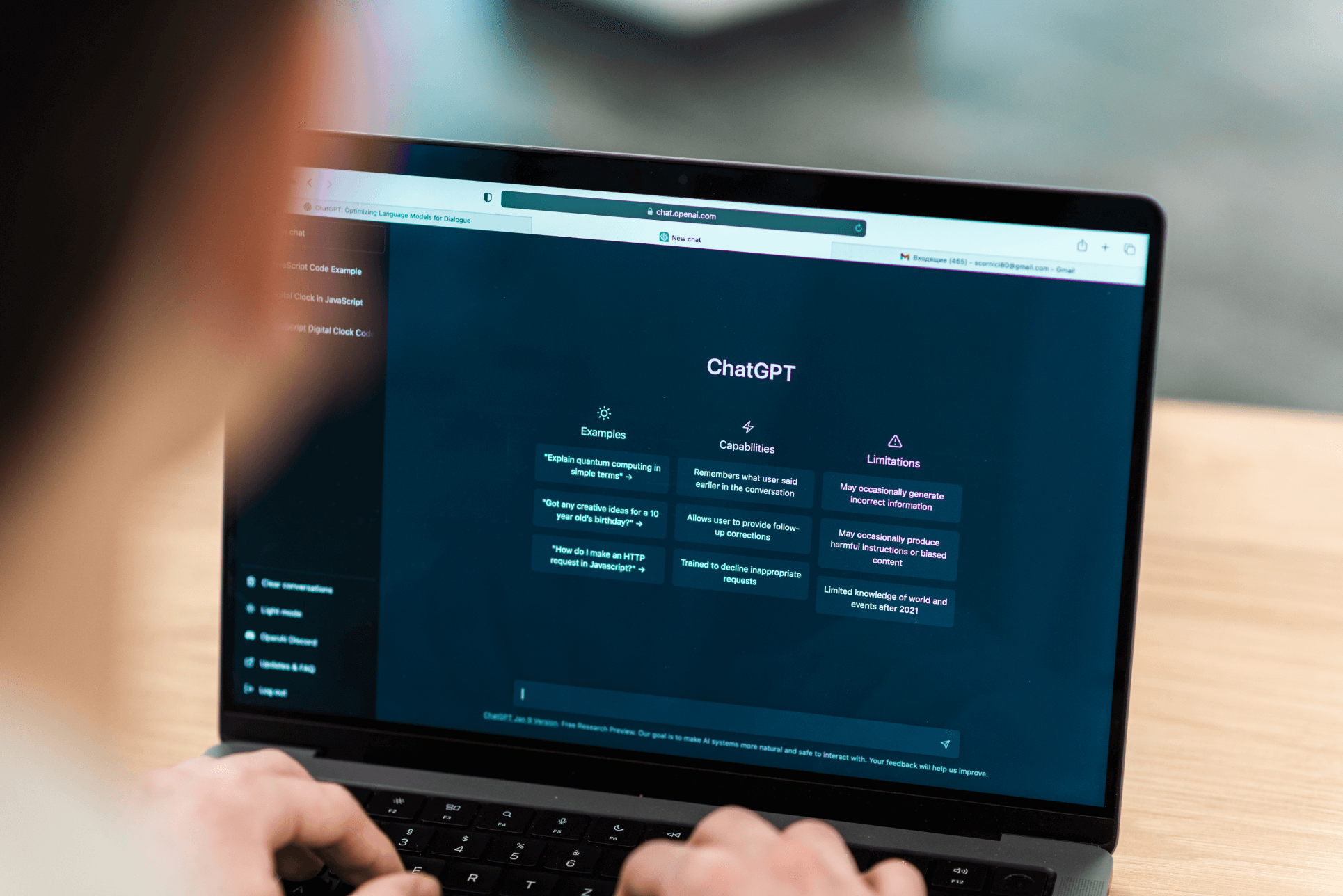
I began this column by asking Chat GPT a question. I wanted to know

Here are the key takeaways from our webinar, ‘ChatGPT: An Enemy of Teachers?’, organised
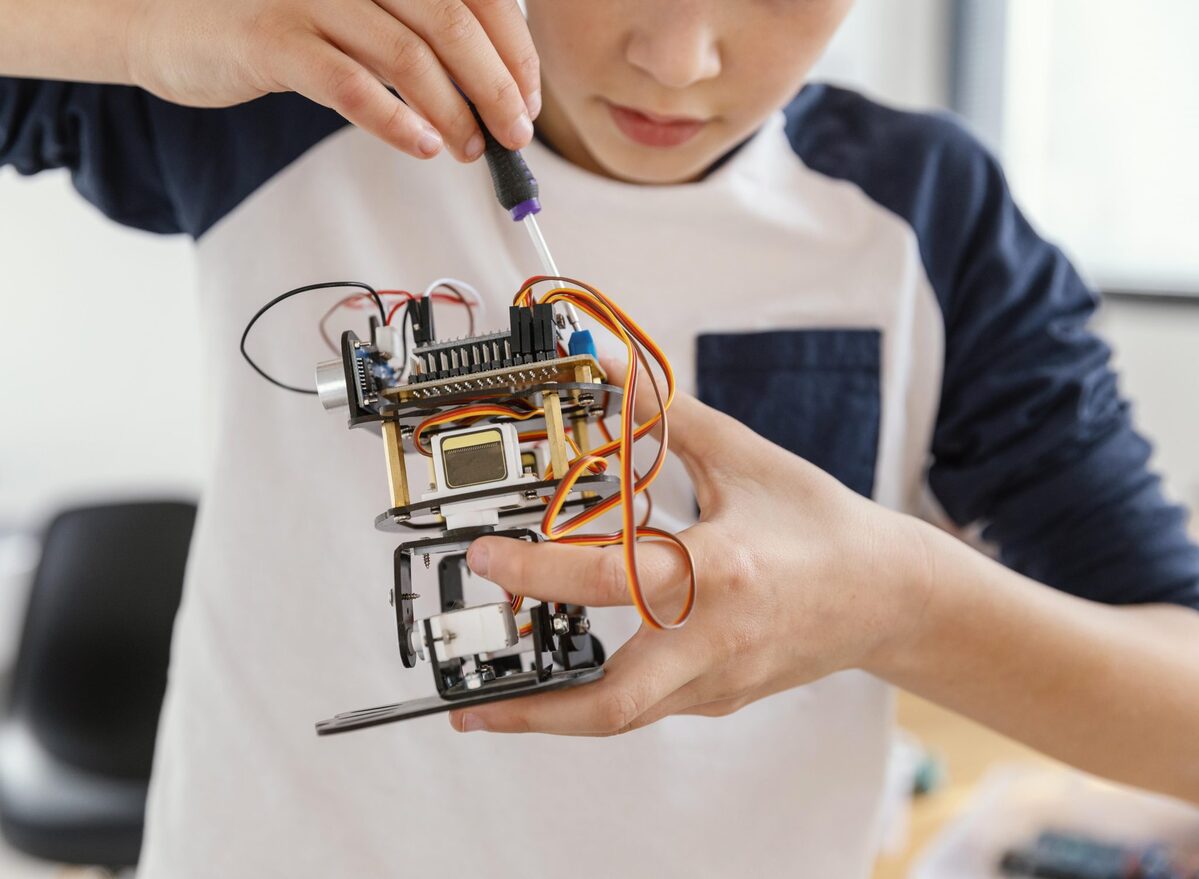
Robotics in education offers great opportunities to promote the holistic development of